Install and open ChatGPT Work
Get the current app, select the right workspace and mode, and prepare safe practice files.
DeliverableChatGPT Work open with a ready-to-use practice folder and clear safety boundaries.
Practice files
- If you have not installed the current desktop app, open the ChatGPT download page, choose macOS or Windows, install it, and sign in with your work account. If installation is managed by your organization, follow its instructions. You can also use Work on the web when it is available.
- In the product selector, choose ChatGPT, then select Work above the composer. Do not select Codex for these exercises: Codex is designed for software-development work; Work is the mode for research, analysis, documents, spreadsheets, presentations, and other reviewable deliverables.
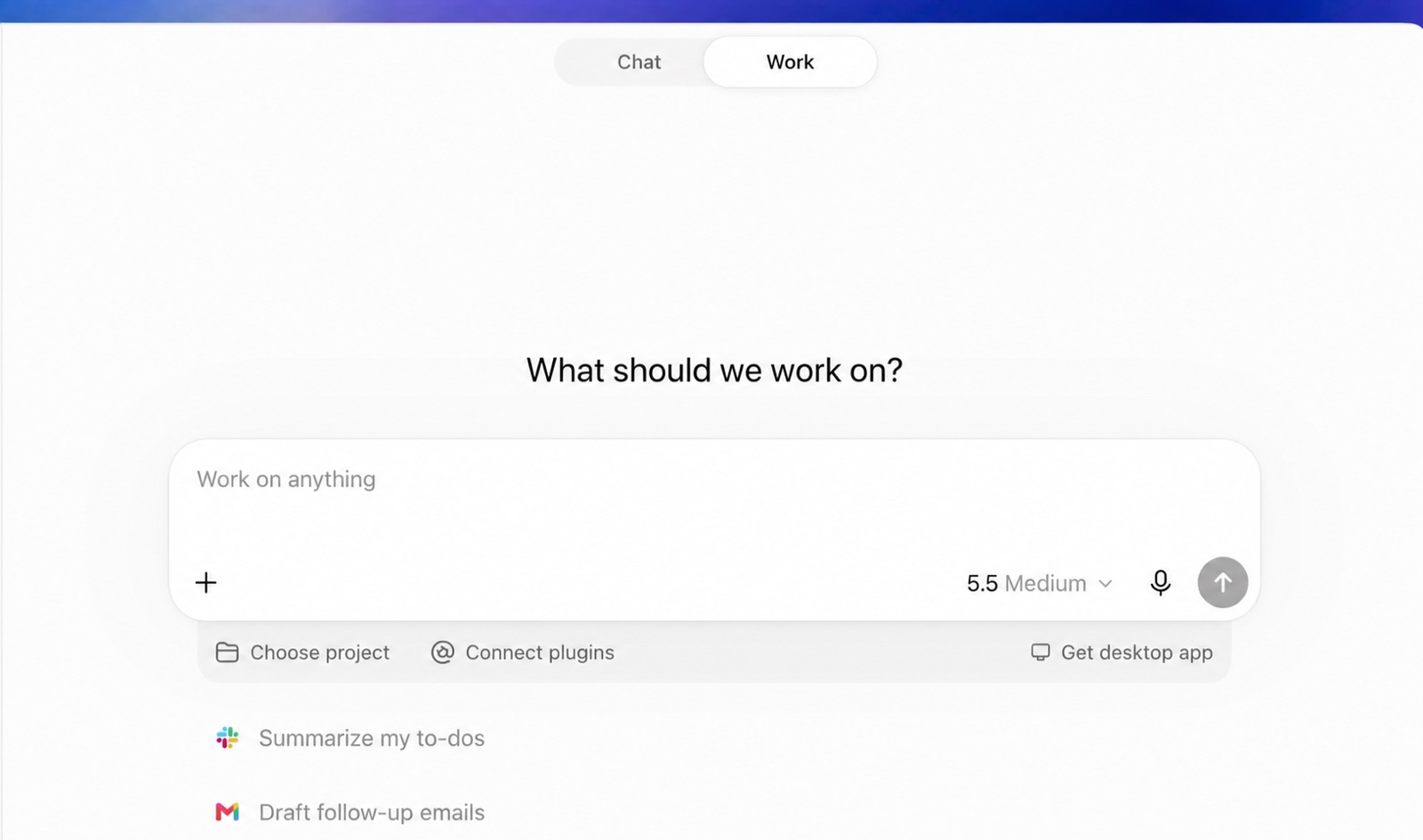
The Work composer and navigation. Your model name, available controls, and sidebar may look slightly different. Open the official quickstart.
- Download the Foundations pack above, unzip it, and keep the fictional files together. If the app asks where it should work, select that practice folder or start a new project. Core exercises only use the supplied files; no connected plugins or real company information are needed.
- Before continuing, confirm the safety boundary: review important claims, never upload sensitive data in a shared workshop, and do not send messages, change records, or grant broader access without approval.
Try this quick orientation prompt:
I am practicing with fictional workshop files. Explain how you can help me produce reviewable documents, spreadsheets, presentations, or action plans in Work mode. Keep the answer brief and flag any action that would require my approval.Check your result: You can find ChatGPT → Work (not Codex), open the practice folder, locate the composer controls, and explain what must stay behind human review.